Square Face Logo
SquareFace
HomeShowcaseBlog

header.language

Square Face Icon Generator

Share:

Recent Creations

Made with Square Face Generator.

View All

Leave a Comment

Join our community of creators and share your thoughts.

Rating::

What is Square Face Icon Generator?

Welcome to Square Face Generator, the ultimate free online square face icon generator for creating adorable, customizable square face avatars. Our square face generator is the best choice for anyone looking for a cute profile picture. Whether you need a square face icon generator for Discord, Twitter, or TikTok, our square face generator has everything you need. This square face icon generator is inspired by classic Japanese icon makers like Picrew. Our square face generator features over 200 customization options across multiple categories, from hairstyles and eyes to accessories like glasses and hats. Each avatar is rendered in real time in your browser, producing high-quality PNG images with no signup required. Looking for a square face icon generator picrew alternative? Our square face generator is the perfect choice. The square face icon generator works seamlessly on all devices. Try the square face generator today and create your perfect square face avatar.

How to Use Square Face Icon Generator

A quick square face generator tutorial in four simple steps.

01

Select Your Base

Choose a base face and start customizing your square face icon.

02

Customize

Pick from 200+ hair, eyes, and outfit parts in our wardrobe.

03

Adjust Colors

Use our legacy color palette to match your personal brand perfectly.

04

Export PNG

Instantly download your high-resolution 512x512 icon for free.

Square Face Generator App (Online)

The Square Face Generator app runs entirely in your browser, so there is nothing to install. Build a profile icon fast, export a PNG instantly, and keep everything local to your device.

  • Works on desktop and mobile browsers
  • No accounts, no downloads, no plugins
  • Pixel-perfect PNG export for any platform
App HighlightsFree
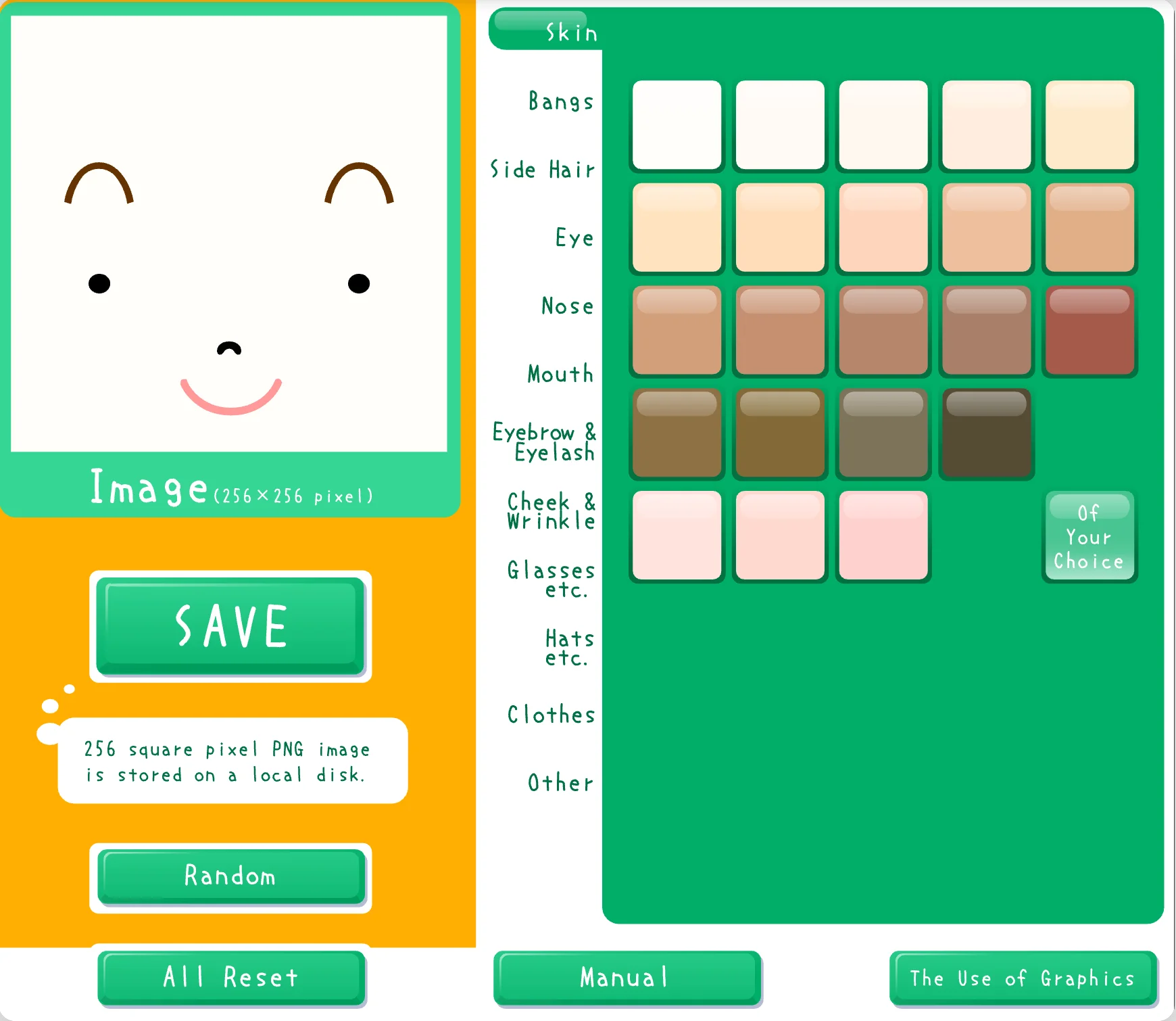
Square Face Generator app preview

Square Face Generator Tutorial

Need a full square face generator tutorial? This guide shows how to use Square Face Icon Generator from start to finish, including exports, sharing, and pro tips.

  • Step-by-step workflow for first-time creators
  • Best settings for clean 512x512 PNGs
  • Troubleshooting tips and common FAQs
Quick Summary
  1. Choose a base style and parts
  2. Adjust colors and details
  3. Download or share your icon

Square Face Icon Generator Guide

The square face icon generator is the focus of this homepage, and the square face icon generator experience is designed to feel like the original tool while loading faster. If you want a square face icon generator that is easy to learn, this guide explains the workflow, the style choices, and the export steps in one place. A square face icon generator works best when the interface stays simple, so the controls and preview are kept side by side.

Square Face Generator Tutorial and Workflow

This square face generator tutorial explains how to use square face icon generator for first time creators. Start by picking a base, then refine each part until the square face icon generator preview matches the look you want. The square face icon generator panel lets you change hair, eyes, and colors without losing your progress, which is why many creators prefer the square face icon generator flow over manual drawing.

Square Face Generator App and Free Access

The square face generator app runs online, which means the square face icon generator loads in the browser and does not require downloads or plugins. If you are searching for a square face icon generator free option, this square face icon generator lets you export a PNG with no signup. The square face generator app also works on mobile, so the square face icon generator is available anywhere you can open a modern browser.

Square face icon generator users often compare results across screens. The square face icon generator layout is fixed to keep proportions consistent, and the square face icon generator preview stays accurate as you switch parts. If you are asking how to use square face icon generator for the cleanest output, keep the background simple and export at full size.

Square Face Icon Maker and Pixel Art Output

Many visitors describe this tool as a square face icon maker because the output is clean and ready for profiles. If you want a square face pixel art icon generator, the square face icon generator keeps edges crisp and consistent, and the square face icon maker controls reduce the time needed to build a character. The square face icon generator export stays square so you can resize it for Discord, Steam, or forum avatars without distortion.

Square Face Characters and Examples

Square face characters work well when their features are readable at small sizes. The square face icon generator includes simple choices that make square face characters clear even at 64 or 96 pixels. For inspiration, the gallery provides square face examples, and each square face icon generator sample is linked back to the creator. Visit the showcase to browse more square face examples.

Legacy References and Related Searches

Legacy and reference searches are common. People look for square face icon generator picrew, square face icon generator (flashpoint), flash museum square face icon generator, and square face icon generator found on icon generators net. These phrases refer to older archives or lists; this site is not affiliated with those projects. The square face icon generator here focuses on performance, safety, and browser based use.

Quick facts for the square face icon generator

  • Square face icon generator exports PNG at 512x512 by default.
  • Square face icon generator keeps assets local while you edit.
  • Square face icon generator supports multiple parts and styles.
  • Square face icon generator works without Flash or plugins.
  • Square face icon generator saves time for repeat avatars.
  • Square face icon generator works as a quick square face icon maker.
  • Square face icon generator is a lightweight square face generator app.
  • Square face icon generator is optimized for sharing and social profiles.

Compliance and transparency

The square face icon generator uses third party technology (Ruffle) to emulate legacy Flash content, and all usage stays within the browser. Please review the Privacy Policy and Terms of Use for details about data handling, acceptable use, and legal compliance. If you have any questions, contact support@cooderspro.com. Our goal is to keep this square face icon generator transparent, legal, and easy to understand.
Square Face Generator for Every Platform

Optimized for social media and gaming.

Discord

Perfectly centered square face icons for your Discord profile and server roles.

Twitter & X

Stand out on the timeline with high-contrast, bold retro avatars that pop.

TikTok

Create unique branding for your short-form content with a recognizable icon.

Instagram

Aesthetic pixel art that fits perfectly into the iconic circular crop.

YouTube

HD resolution ensures your channel icon looks sharp on any screen.

Twitch

Consistent square face avatars for your stream, bio, and custom channel points.

Why Choose Our Icon Generator?

Industry standard for retro avatars.

200+ Options

Limitless combinations to reflect your personality.

Instant Export

No waiting. Just create and download in high res.

100% Free

No hidden fees or subscriptions—ever.

Privacy Safe

Everything runs locally in your browser.

Mobile Friendly

Optimized for both desktop and mobile creation.

No Install

Zero scripts to install or accounts needed.

Frequently Asked Questions

Find answers to your square face generator queries.

Is Square Face Icon Generator really free?
+
Yes! 100% free with no hidden fees, watermarks, or registration required. Download unlimited avatars.
How to use Square Face Icon Generator?
+
Open the Square Face Generator app, choose a base style, customize parts, then export a PNG.
Do I need Flash Player?
+
No! We use modern WebAssembly technology (Ruffle) to run the classic tool without Flash.
Can I use my avatar commercially?
+
Yes! All creations are yours to use freely for personal or commercial purposes.
What image format will I get?
+
Your avatar is saved as a PNG file with transparency support, perfect for any platform.
How do I share my creation?
+
After saving, use the share buttons to post directly to Twitter, Facebook, or copy a shareable link to the showcase.
Is my data safe?
+
Absolutely! We don't collect personal information. The tool runs entirely in your browser.